See
One estate view.
Zoom out for estate-wide oversight, then move into the location that needs attention.
Connect access, service health, field work, and responsibility across the entire WiFi estate.
Explore AbbaLink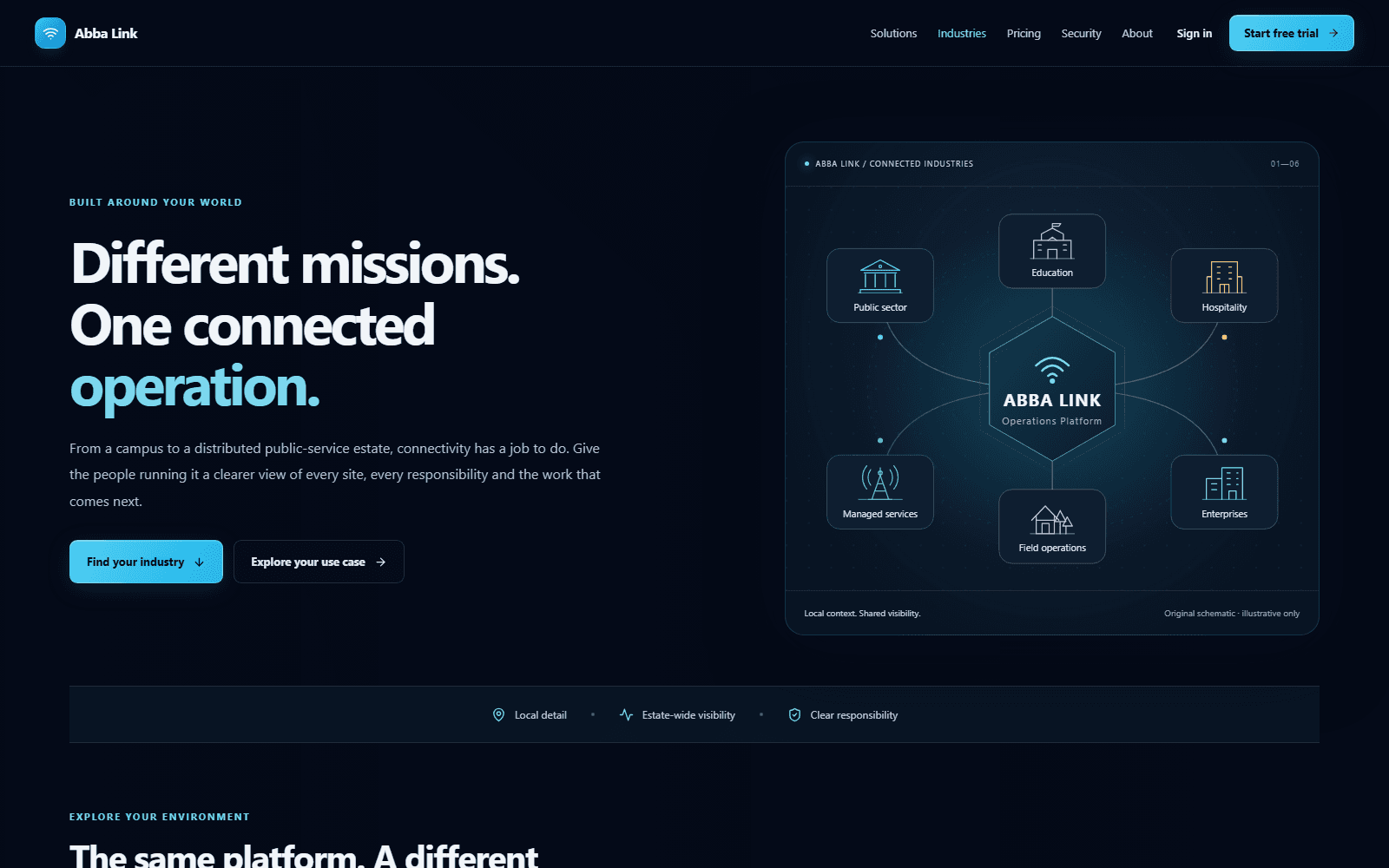
From estate to site
Every location stays connected to the wider operating picture.
AbbaLink keeps geography, infrastructure, service, and responsibility inside one operating model.
See
Zoom out for estate-wide oversight, then move into the location that needs attention.
Compare
Compare sites, service health, and responsibility before choosing where to focus.
Act
Carry equipment, service, access, incidents, and ownership into the site-level decision.
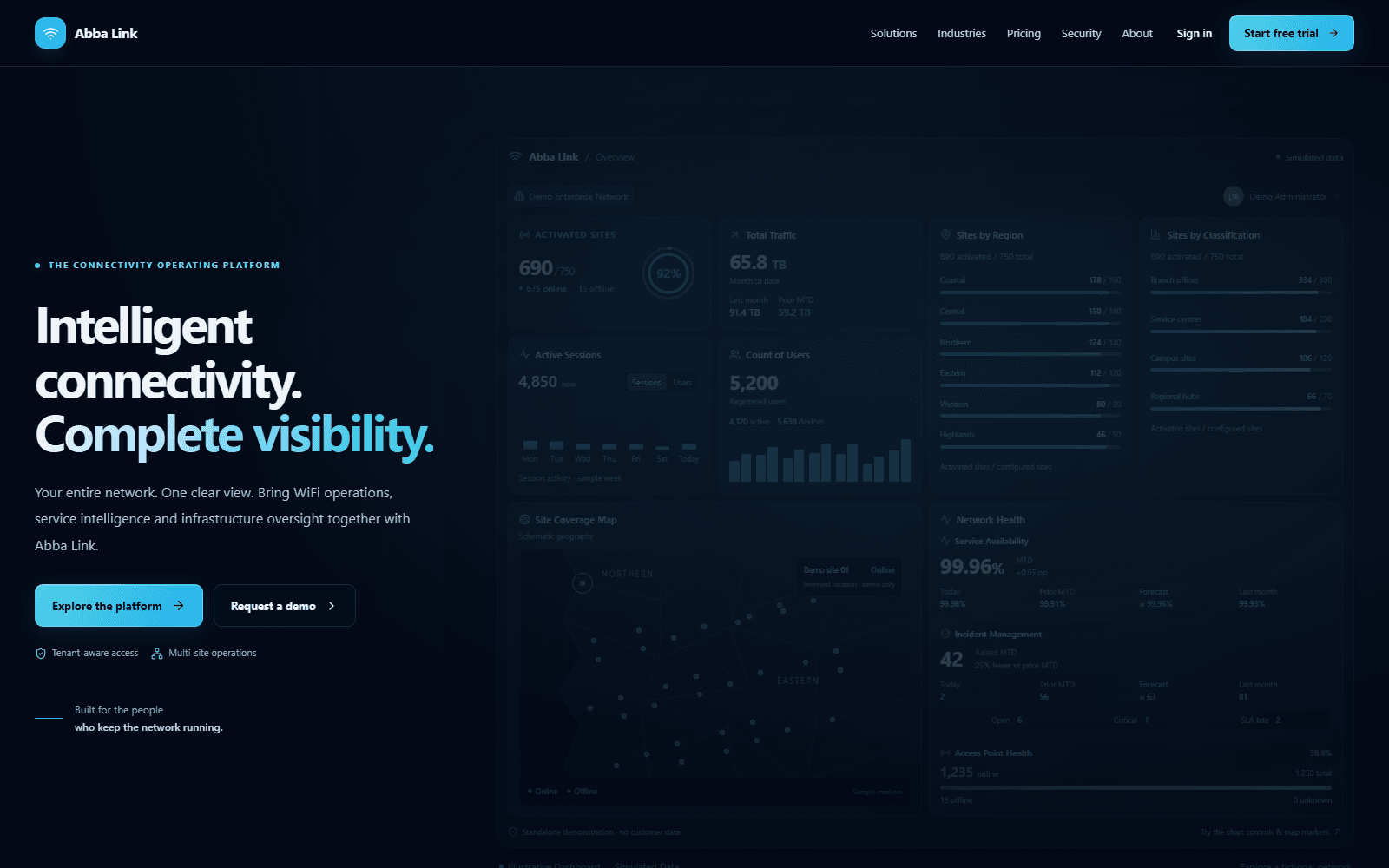
AbbaLink connects WiFi access, equipment telemetry, service response, and governance without splitting the work across disconnected tools.
Connect
Plan the location, connect supported equipment, and manage the access journey from the first login through the active session.
Review active sessions, traffic activity, hotspot users, and access profiles across the organisation.
Provision supported MikroTik routers and monitor connected UniFi access points with their site context intact.
Design branded portals, manage vouchers, and support RADIUS-backed access with compatible router configuration.
Organise site plans, network segments, cluster routes, providers, and connectivity requirements before deployment.
Observe
Bring estate health, equipment telemetry, and operational evidence into views that technical and management teams can use.
Build configurable monitoring walls for site, router, access-point, alarm, availability, and time-based views.
Review network operations, user activity, service availability, activation, and supported CSV or PDF exports.
Operate
Give equipment, field work, and service issues a shared record with a clear owner, timeline, and next action.
Maintain serial numbers, models, manufacturers, vendors, site assignments, lifecycle status, and warranty history.
Record findings, RF readings, access-point placements, equipment actions, visit reviews, and approvals.
Capture, triage, and assign incidents while tracking response, resolution, status history, and SLA breaches.
Govern
Apply access and responsibility to the organisation, the assigned site, and the action being performed.
Manage organisation memberships, configured role permissions, site assignments, branding, and administrative audit records.
Connect geographic coverage, local operating views, monitoring, field records, and management reporting across the estate.
Open an operating layer to move between the national picture and the detail that helps a team act.
Build and save SOC360 monitoring walls that bring site, router, access-point, and service availability into one view.
One platform, different responsibilities
Central operations
“Where should we look first?”
Start at the national view, compare locations, then direct attention to the site where service or activation needs a closer look.
The workflow changes with the setting, but site context, clear responsibility, and useful operating history stay connected.
Public sector
Review coverage and activation across the estate, then give local teams a site-specific operating view with equipment and service context.
Check activation, device status, and monitoring coverage before confirming an outage.
Give the responsible team the site context and open an incident or visit record when needed.
Use service history and reports to guide follow-up and wider deployment planning.
Education
Organise each campus location, manage its access experience, and investigate sessions and device health without losing the local detail.
Use site and device context to separate an equipment issue from an access or session problem.
Inspect the relevant sessions, telemetry, access profiles, and supported devices.
Use incident and asset records to document maintenance, lifecycle, and warranty actions.
Hospitality
Connect the guest-facing portal to access policies, vouchers, session visibility, and the technical teams responsible for each property.
Configure portal branding, access profiles, and voucher options for the location or event.
Review sessions, traffic, and access-point observations in the context of the venue.
Assign recurring service issues and retain the resolution history for the next event.
Managed services
Structure each customer workspace, provision supported equipment, and keep monitoring and service history connected as the estate grows.
Confirm the organisation, site ownership, administrator membership, and purchased capacity.
Register the router, configure its management connection, and follow supported provisioning steps.
Add monitoring views, incident ownership, and reporting workflows that match the service.
Field teams
Carry RF readings, access-point placements, equipment actions, and visit reviews from the field into the wider operating record.
Review the location's network plan, assigned equipment, and relevant operating history.
Record readings, placements, findings, and equipment actions for review.
Use the visit record, reports, and incidents to coordinate outstanding work.
Multi-branch
Give central IT an estate view while keeping local access, equipment, and service responsibility practical for each branch team.
Bring the branch's equipment, sessions, and service health into one discussion.
Scope administrative access to the right roles and sites, then give the issue an owner.
Update equipment records and use reports to inform the next branch rollout.
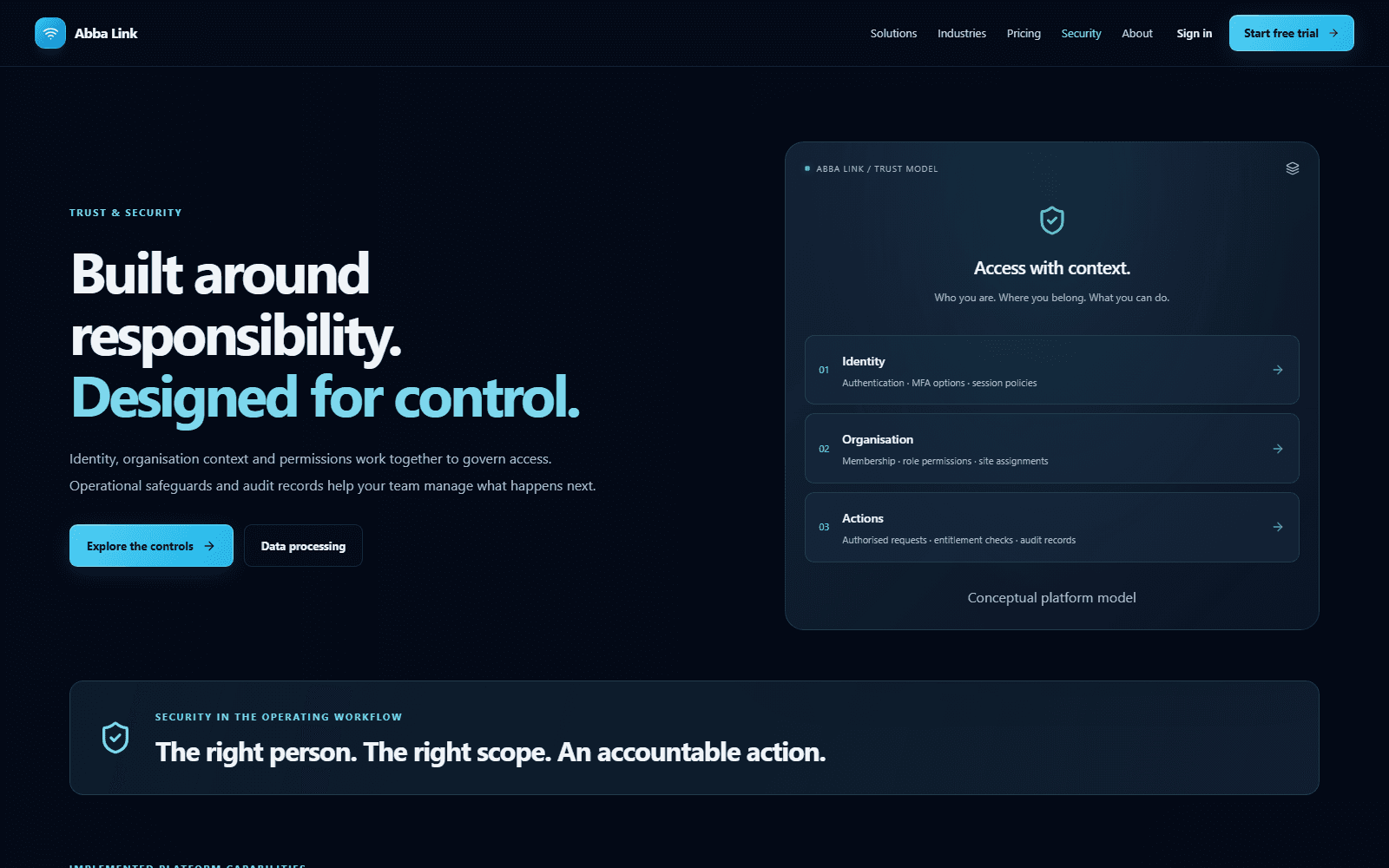
Security is part of the operating workflow, from sign-in and site responsibility to network changes and audit review.
01
Authenticator-based TOTP, email verification codes, account status checks, and configurable login lockouts protect the point of entry.
02
Organisation membership, role permissions, and site assignments scope protected views and actions to the people responsible.
03
Tracked sessions can be revoked. Expiry, idle-timeout policies, warnings, and extension settings support ongoing access control.
04
Sensitive network changes use validation, risk warnings, confirmation steps, recorded outcomes, and redacted audit data.
Availability and policy behaviour depend on account configuration, subscriptions, permissions, supported equipment, and deployment setup.
Active today
AbbaLink is actively used by Ghana's Ministry of Food and Agriculture, supporting connectivity operations where estate-wide visibility and local responsibility both matter.